Logging in to the Personal app
Fire is not accepting applications from new personal customers at present. Existing customers are not affected by this change and can follow the steps below to install and log in to the Fire Personal App.
This guide shows you how to install the Personal mobile app on your device, and login to your account for the first time once installed. Once complete, you will be able to login using your access code only.
-
Search for ‘Fire Personal’ in the Apple Store or Google Play store and install the app.
-
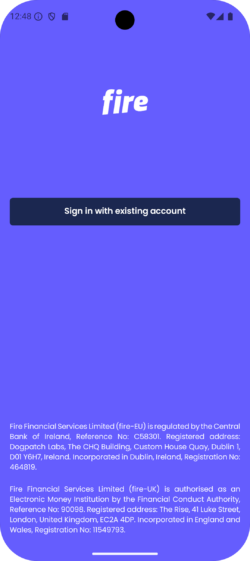
Click the ‘Sign in with an existing account’ button.
-
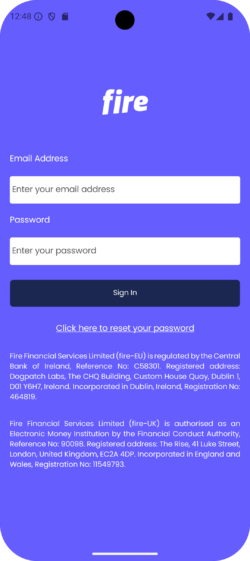
Enter your email and password. If you have forgotten your password, follow these steps.
-
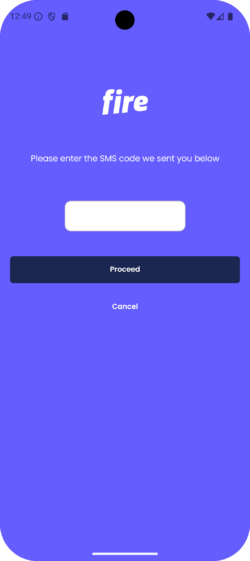
Enter the SMS code sent to the mobile number registered to your account.
-
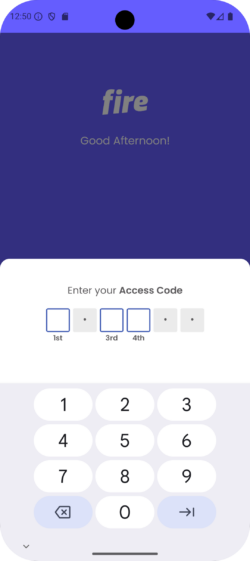
Finally, enter the 3 digits of your Access Code. If you have forgotten your access code, you can reset it by following these steps.